
The largest contentful paint image is the biggest image visible when your page first loads, and the time it takes to appear is your Largest Contentful Paint score, so on an image-led page the file size of that one photo is most of the score. In our throttled test, the same hero photo took 9,348 milliseconds to paint as a 1,881,123 byte file and 2,740 milliseconds as a 500,692 byte file.
This guide shows those measurements for six versions of one photo, turns them into a file size budget you can aim for, and says plainly what the test does not prove. Every setting is listed so you can rerun it.
What Is the Largest Contentful Paint Image?
The largest contentful paint image, often shortened to LCP image, is the image element that takes up the most area in the visible window when the page loads, and it is the element Google's Largest Contentful Paint metric times. If the largest visible thing on your page is a hero photo, the LCP is the moment that photo appears.
web.dev defines the metric in its guide to Largest Contentful Paint and sets 2.5 seconds or less as a good score. Anything above 4 seconds is rated poor, and the range between is "needs improvement". The metric measures one element, not the whole page, which is why a single oversized photo can drag the score on a page that is otherwise light.
Which elements can be the largest contentful paint
An LCP element can be an <img>, a video poster image, an element with a CSS background image, or a block of text. On a page that opens with a text heading and a small photo, the heading may be the LCP. On a page that opens with a full-width hero photo, the photo is. Our test pages used a full-width hero, so the image was the LCP every time.
How to find your LCP image
The quickest way to find your LCP image is to run the page through PageSpeed Insights, which names the LCP element in its diagnostics, or to record a load in the Performance panel of Chrome DevTools, which marks the LCP on its timeline and highlights the element. Both are free and both are documented on web.dev. Look at the element they name. If it is an image, the rest of this guide applies to it directly.
Image File Size and LCP: Our Measured Test
On the same page, shrinking the hero from 1,881,123 bytes to 193,076 bytes moved the LCP from 9,348 milliseconds to 1,284. The only thing that changed between runs was the file in the hero slot.
Largest Contentful Paint Test Setup, in Full
We took one 4032 by 3024 pixel camera photograph and produced six versions: the original size, then widths of 2560, 1920, 1200 and 800 pixels, plus a WebP of the 1920 pixel version. Every version went through the same compression engine this site's compressor uses, at quality 80. Each version was placed alone on an otherwise empty page under a one-line heading, set to display at the full width of the window.
The pages were served from a local web server and loaded in Chrome 157 at a 1280 by 800 window. We used Chrome's network emulation to cap the connection at 1.6 megabits per second down with 150 milliseconds of latency, with the cache disabled, and read the LCP from the browser's own largest-contentful-paint performance entries. Each version ran three times and the table shows the median.
The result: LCP by hero file size
| Hero version | File size (bytes) | Pixel width | LCP, median of 3 |
|---|---|---|---|
| JPEG, original size | 1,881,123 | 4032 | 9,348 ms |
| JPEG | 852,544 | 2560 | 4,432 ms |
| JPEG | 500,692 | 1920 | 2,740 ms |
| WebP | 529,070 | 1920 | 2,888 ms |
| JPEG | 193,076 | 1200 | 1,284 ms |
| JPEG | 81,778 | 800 | 732 ms |
The three runs for each version landed within a few dozen milliseconds of each other, for example 9,336, 9,348 and 9,360 for the largest file. On this connection, load time followed file size almost in a straight line. Doubling the bytes roughly doubled the wait, because the connection, not the browser, was the bottleneck.
Two things in the table need a caveat. The 1200 and 800 pixel versions were displayed at 1280 CSS pixels wide, so they were stretched and would look softer than the larger files, and their fast times are not a fair visual comparison. And a WebP at quality 80 was slightly larger than the JPEG at quality 80 for this particular photo, which is a reminder that quality numbers from different encoders are not equivalent. Our guide on WebP against JPG goes into that.
How Big Should the Largest Contentful Paint Image Be?
Aim for an LCP image under roughly 450 KB if your visitors may be on a connection like the one we emulated, and well under that if you can, because on that connection the 2.5 second good threshold sits at about that file size. That figure is an estimate, not a separate measurement, and here is how it was worked out.
LCP Image Size Budget Arithmetic
Draw a straight line through two of our points: 1,284 milliseconds for 193,076 bytes and 2,740 for 500,692 bytes. The slope is about 4.7 milliseconds per thousand bytes, which matches a connection moving roughly 210,000 bytes a second, and the line leaves about 370 milliseconds of fixed cost for latency and rendering. Set the time to 2,500 and solve, and you get about 450,000 bytes.
On a faster connection the same file loads sooner, and on a slower one it loads later, so treat the number as a scale rather than a law. The useful habit is the arithmetic: divide the speed of the slowest connection you care about into the file size, then add a fixed cost for latency and drawing. If the answer is more than 2.5 seconds, the file is too big for that visitor.
Why a 1920 Pixel LCP Image Missed the Budget
At 500,692 bytes the 1920 pixel JPEG took 2,740 milliseconds, just past the line. The 1200 pixel version, at 193,076 bytes, finished at 1,284. For a hero that fills a laptop window, 1920 pixels wide is a common choice, so a site that does everything right at that width can still miss the threshold on a slow connection. The fix is to serve a smaller file to the visitors who need it, which is what srcset is for, covered in our guide to compressing images for a website.
How to Improve Your Largest Contentful Paint Images
To improve a largest contentful paint image, make the file smaller first, send it sooner second, and never delay it. Those three moves cover nearly everything web.dev's guide to optimizing LCP recommends for image-led pages, and the first one is where the measured gains are.
Step 1: Resize the LCP image to the size it displays at
Resize the file to the width it actually shows at, because pixels you do not display still cost bytes. A 4032 pixel photo shown at 1280 pixels carries about ten times the pixels the screen can use. Resizing happens in your editor, your CMS or your build step, not in the compressor. Our guide on how to reduce image file size lists the tools.
Step 2: Compress the LCP image
Compress the resized file with the free image compressor. Choose a format, leave the quality slider at 80 as a starting point, and drop the file in.
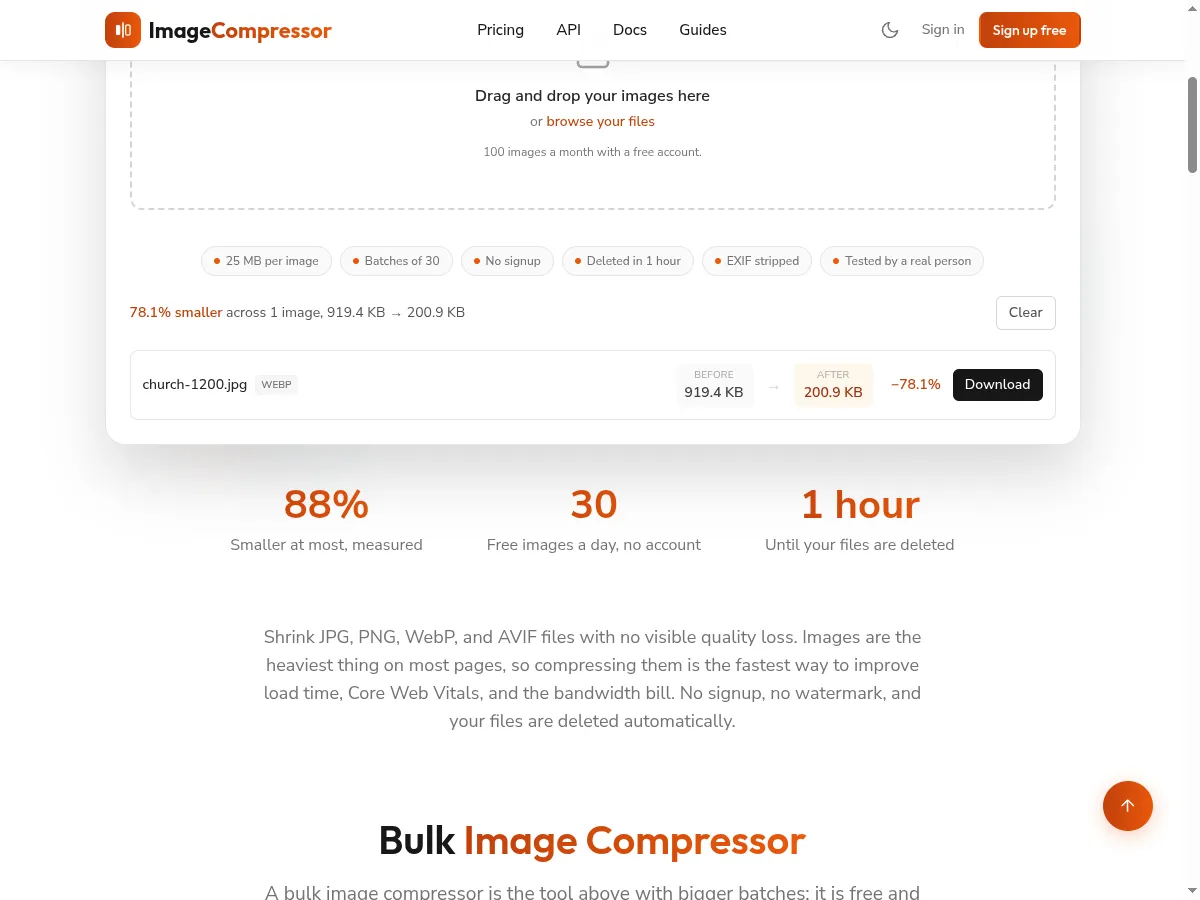
For the 1200 pixel version of our test photo, the tool reported 919.4 KB in and 200.9 KB out as a WebP, 78.1% smaller.
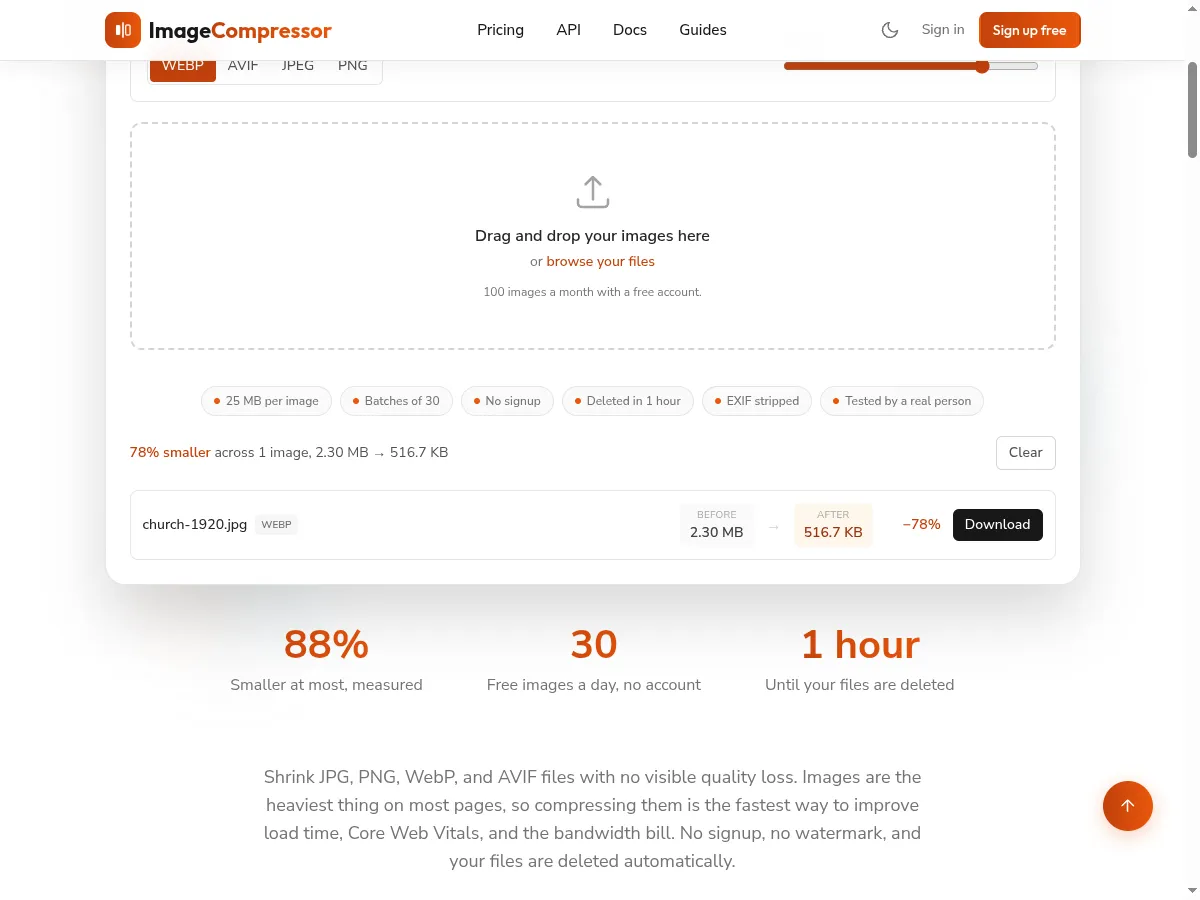
The 1920 pixel version went from 2.30 MB to 516.7 KB, 78% smaller. This is the step that moved the LCP in our table, and it is the same step that produced the JPEG and WebP rows.
If you have a target size in mind, we have pages for compressing an image to 200 KB and to 500 KB, and the JPG compressor for photographs. The measurements above were made with files saved by the same engine, written as JPEG and WebP at quality 80.
Step 3: Preload and Prioritize the LCP Image, When It Helps
Preloading or prioritizing the LCP image tells the browser to fetch it early, and web.dev recommends it where the browser would otherwise find the image late. Add fetchpriority="high" to the <img> tag, or a <link rel="preload" as="image"> in the head. In our test the attribute made no measurable difference: 2,756 milliseconds against 2,740 for the plain tag. That is expected on a minimal page where the image is the first thing the browser sees. It matters most when the image is referenced from a stylesheet or inserted by a script, where the browser finds it late, and our test pages did not cover that case.
Step 4: Never lazy load the LCP image
Leave the LCP image on the default eager loading, because lazy loading is built for images the visitor has not reached yet. We measured a hero with loading="lazy" at 2,760 milliseconds against 2,740 without it, which is inside the noise on a simple page. web.dev still advises against it, because on a real page the delay can appear. Our guide on lazy loading images has the full test, including what happens to the hero when twelve other photos load alongside it.
Does Image Format Change the Largest Contentful Paint?
Format changes it only through file size, and at the same quality setting the format that produces fewer bytes wins. In our test the 1920 pixel WebP, at 529,070 bytes, painted at 2,888 milliseconds, and the JPEG, at 500,692 bytes, painted at 2,740. The JPEG was smaller for this photo, so it was faster.
That does not mean JPEG always beats WebP. WebP and AVIF often produce smaller files than JPEG at matched visual quality, but quality 80 in one encoder is not the same visual quality as quality 80 in another. Compare the actual bytes and the actual picture for your own image, and pick the smaller file that still looks right. Our measured AVIF against WebP page covers the comparison, and the guide on what WebP is covers browser support.
What Our Largest Contentful Paint Test Does Not Show
The test shows how file size affects the paint time of one image on one emulated network, and it does not show how your real visitors experience your real page. Here is what it leaves out, so you do not read more into it than is there.
- One photograph. A flat graphic or a very detailed photo compresses differently, so the exact byte counts will not transfer.
- A minimal page. Real pages load scripts, fonts and stylesheets that compete with the hero. Our lazy loading test showed competition from other images pushing the hero from 2,740 to 12,600 milliseconds, so a busy page will be slower than these numbers.
- One emulated network. The numbers describe 1.6 megabits and 150 milliseconds of latency. They are not a mobile phone and they ignore processor speed, which affects decoding of large images.
- No server delay. A local server answers instantly. A slow server adds time before the image even starts.
- Lab data only. Google's ranking signal for Core Web Vitals is built from real visitor data, which can differ from a lab run.
The method still holds. Measure your own page with your own images, and read the LCP element's name before you change anything.